The Best Free Job Application Form Builder with Database (2026)
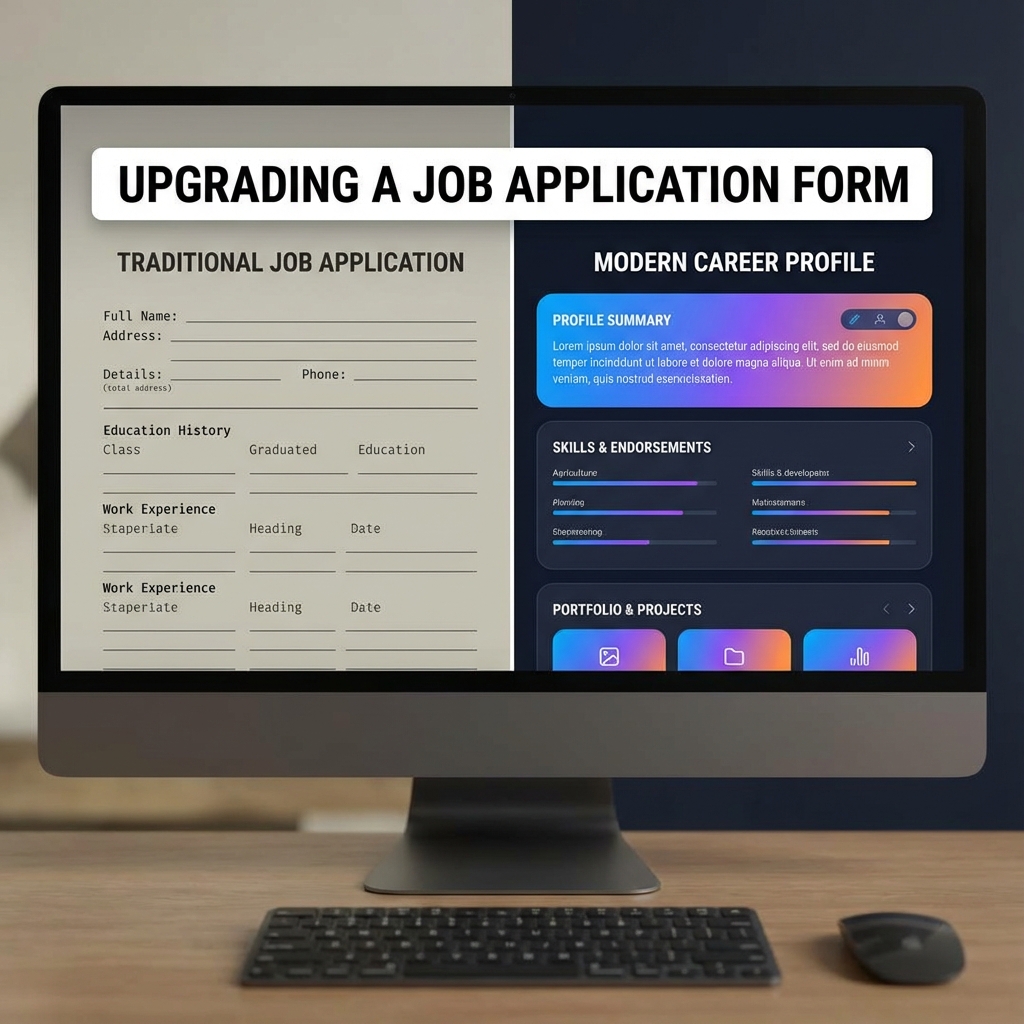
"I just need a simple form where people can apply, and a place to see the applications."
It sounds simple, right? Yet most tools fall into two buckets:
- Survey Tools (Google Forms, Typeform): Great for questions, terrible for managing resumes and workflow.
- Enterprise ATS (Greenhouse, Lever): Overkill, expensive ($5k+/year), and takes weeks to set up.
If you are a startup, agency, or small business, you need something in the middle. Here are the best free job application form builders with a database in 2026.
1. GigDrop (Best for Speed & Social)
Yes, we are biased. But we built GigDrop specifically for this "Middle of Funnel" problem.
- The Form: Auto-generated from your job description. Mobile-optimized. Supports Resume/CV uploads without sign-in.
- The Database: A built-in simplified ATS. View candidates, download resumes, and move them through stages (Applied -> Shortlisted -> Interview).
- The Bonus: It generates beautiful social media cards for your posts.
Cost: Free tier available.
2. Airtable (Best for Customization)
Airtable is essentially a spreadsheet on steroids. You can create a "Form View" to collect applications and a "Kanban View" to manage them.
- Pros: Infinite customization. You can build any automation you want.
- Cons: Visual design of the form is very basic. Resume parsing is non-existent.
- Cost: Free for small teams, but attachment limits are strict.
3. Notion (Best for Documentation Lovers)
You can publish a Notion page as a job post and embed a Tally or Typeform, or use Notion's own forms (if available/beta).
- Pros: If your company wiki is in Notion, it keeps everything together.
- Cons: Managing permissions is tricky (you don't want candidates seeing other candidates). The "database" can get messy quickly.
Which one should you choose?
- Choose Airtable if you want to build a complex, custom workflow with 50 different data points.
- Choose Notion if you just want a text document that people can email you about.
- Choose GigDrop if you want a dedicated hiring tool that looks professional, handles resumes properly, and helps you close the hire faster.
Head of Growth
Don't settle for a spreadsheet. Treat your hiring pipeline like the sales pipeline it is.